Home > EMail - Login Using Google Chrome
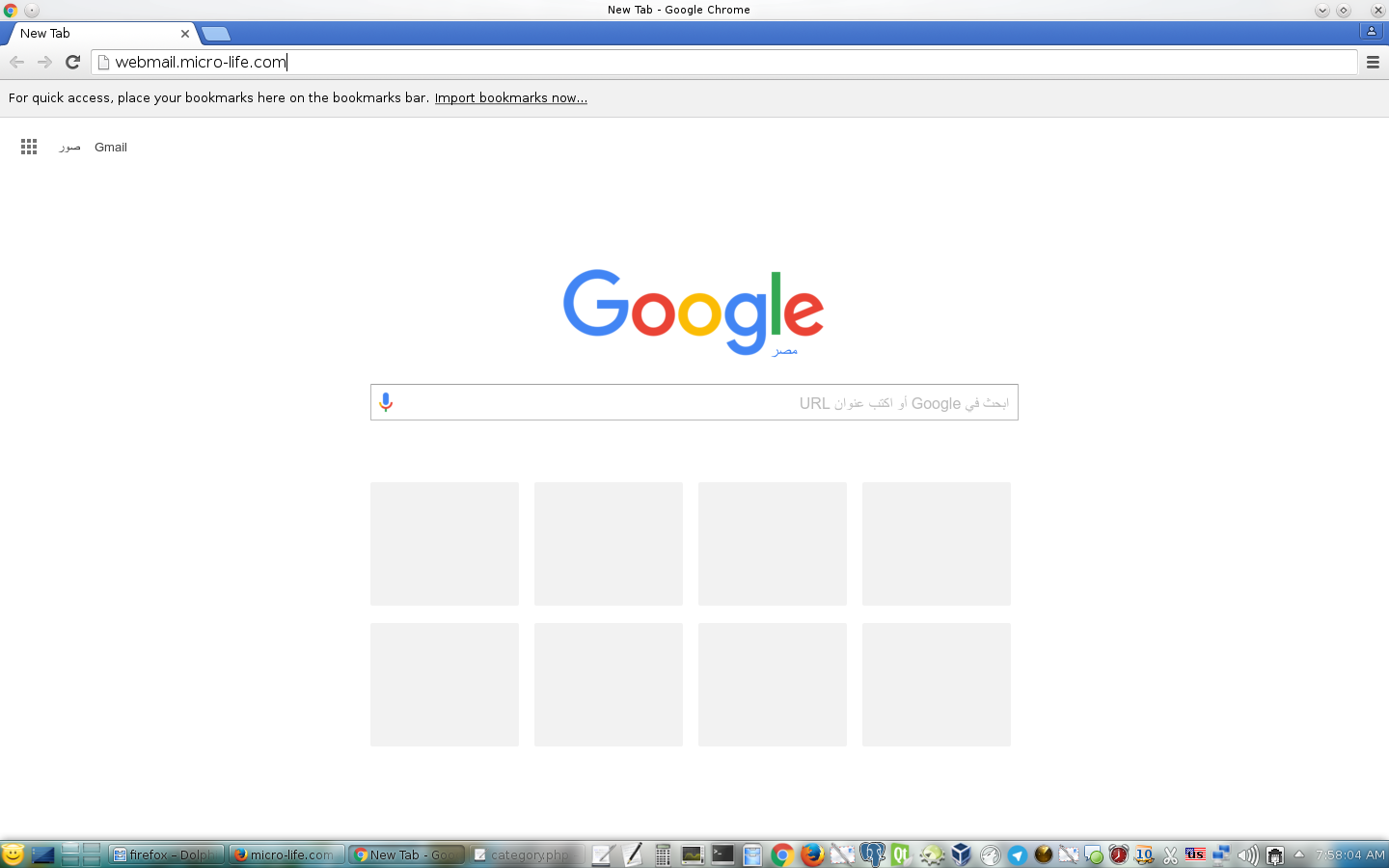
1- Write webmail.zia-soft.com in URL with change zia-soft.com to your domain and then press enter.
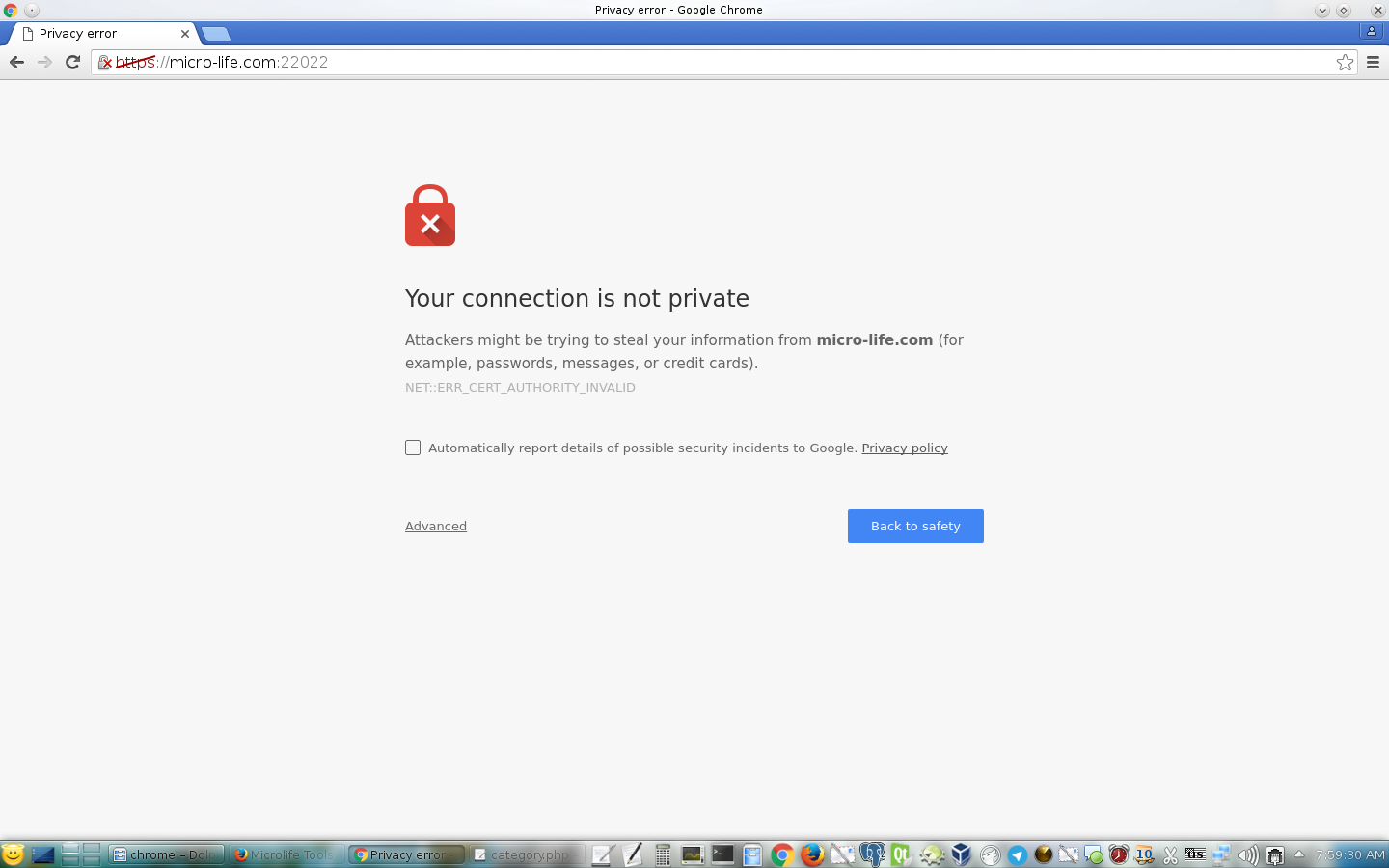
2- You will see this message if this is your first time you open your EMail.
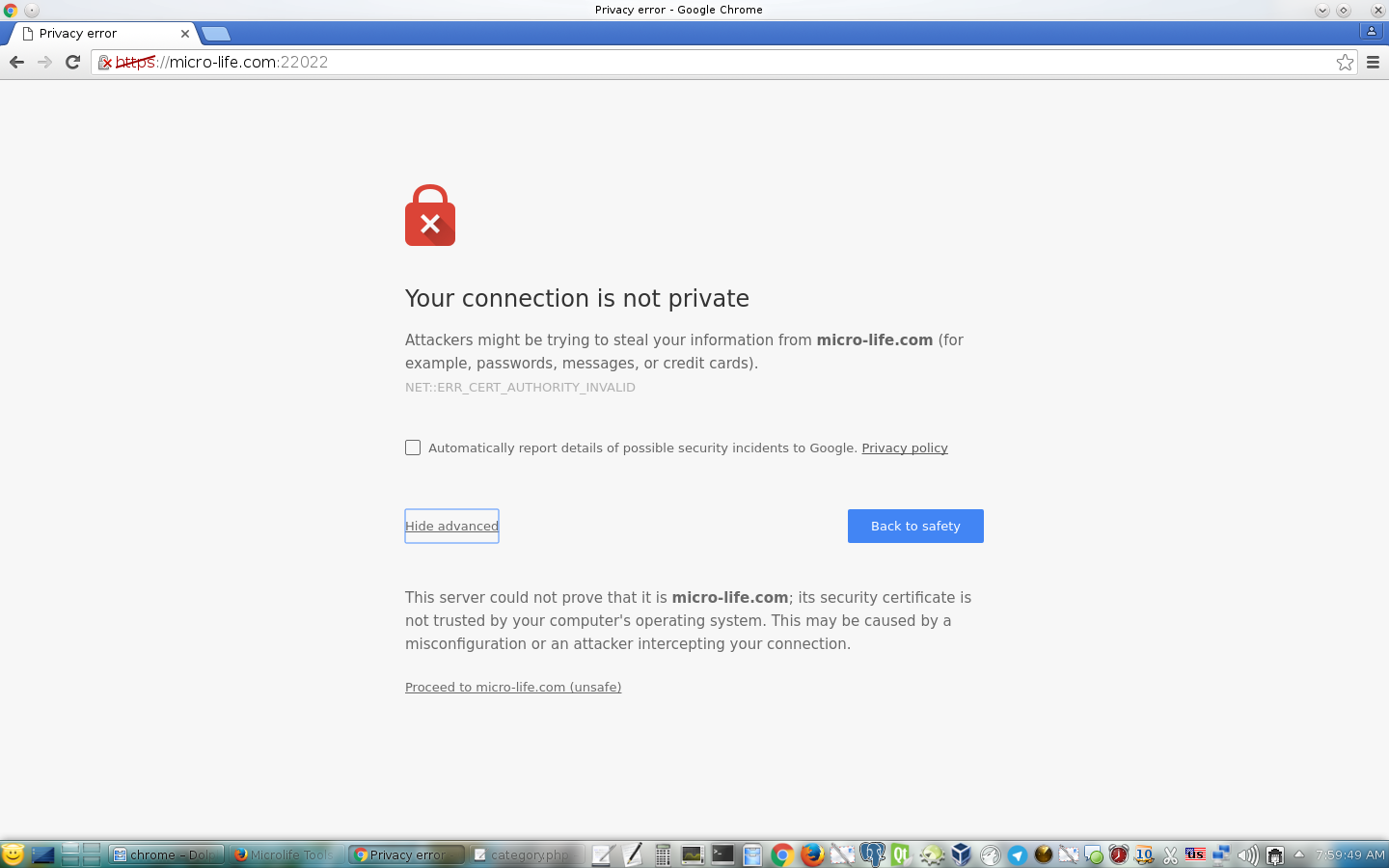
3- Click on Advanced link and then click on link that have title like Proceed to yourdomain.com (unsafe).
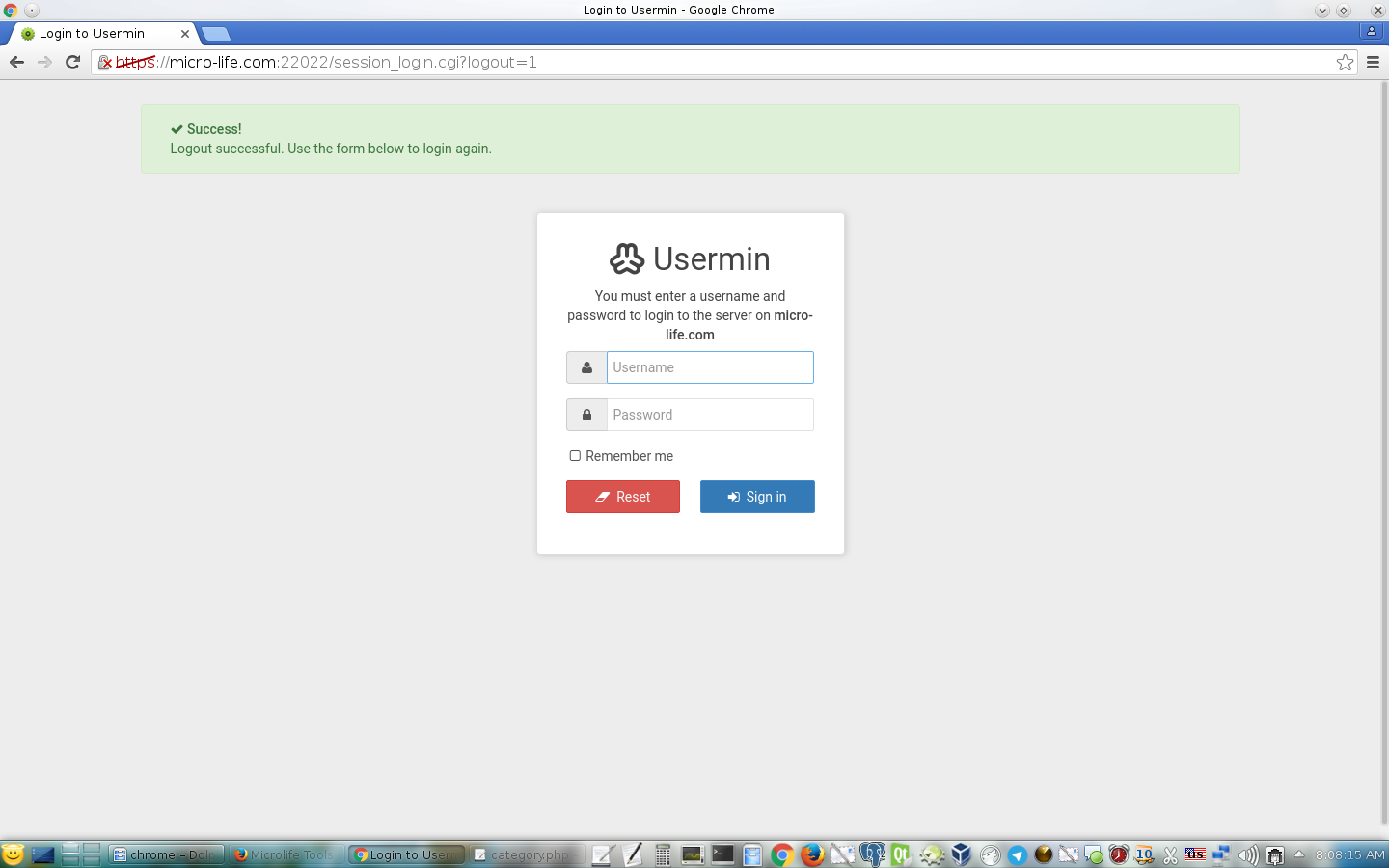
4- Now, You are ready to enter login name and password.
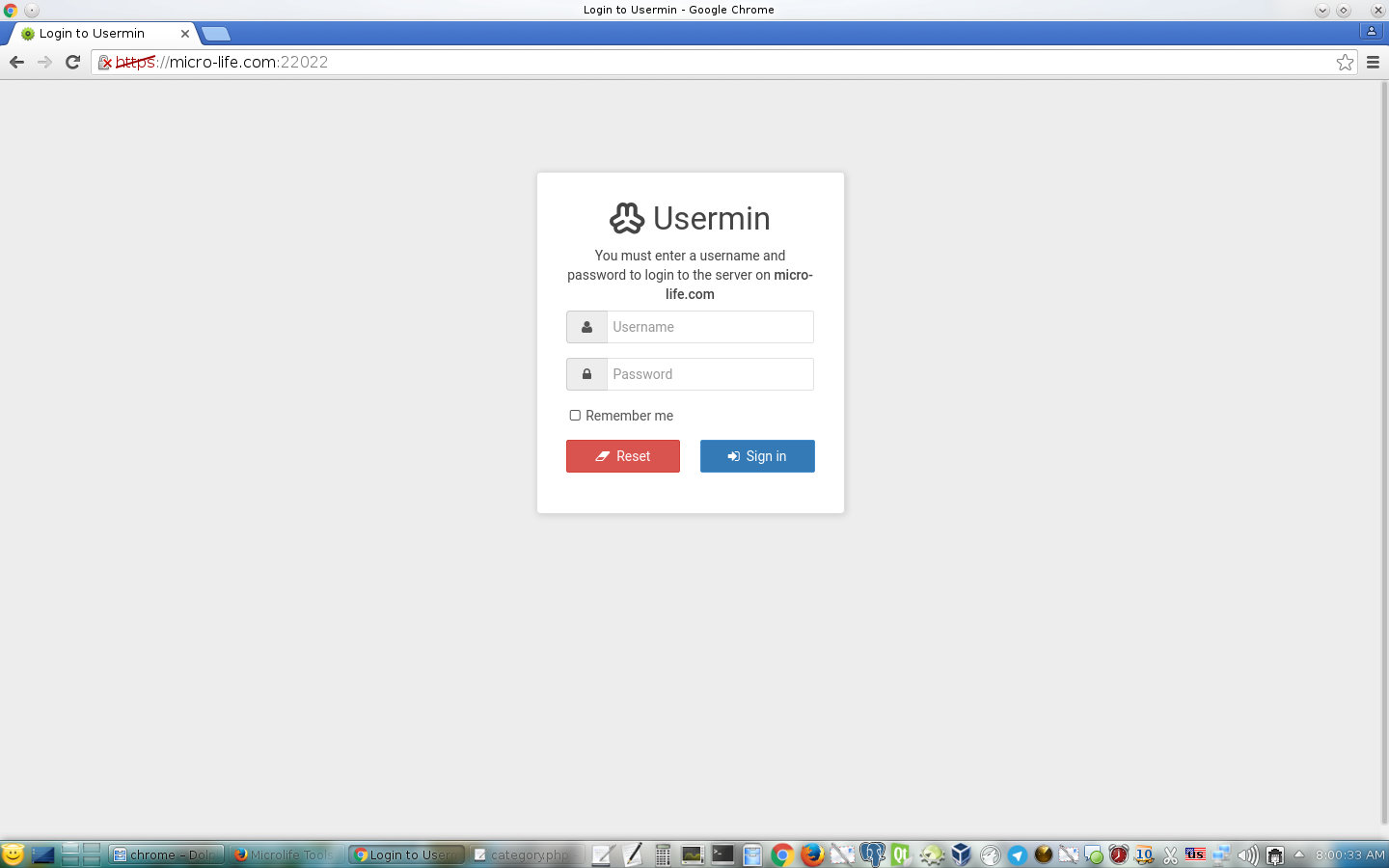
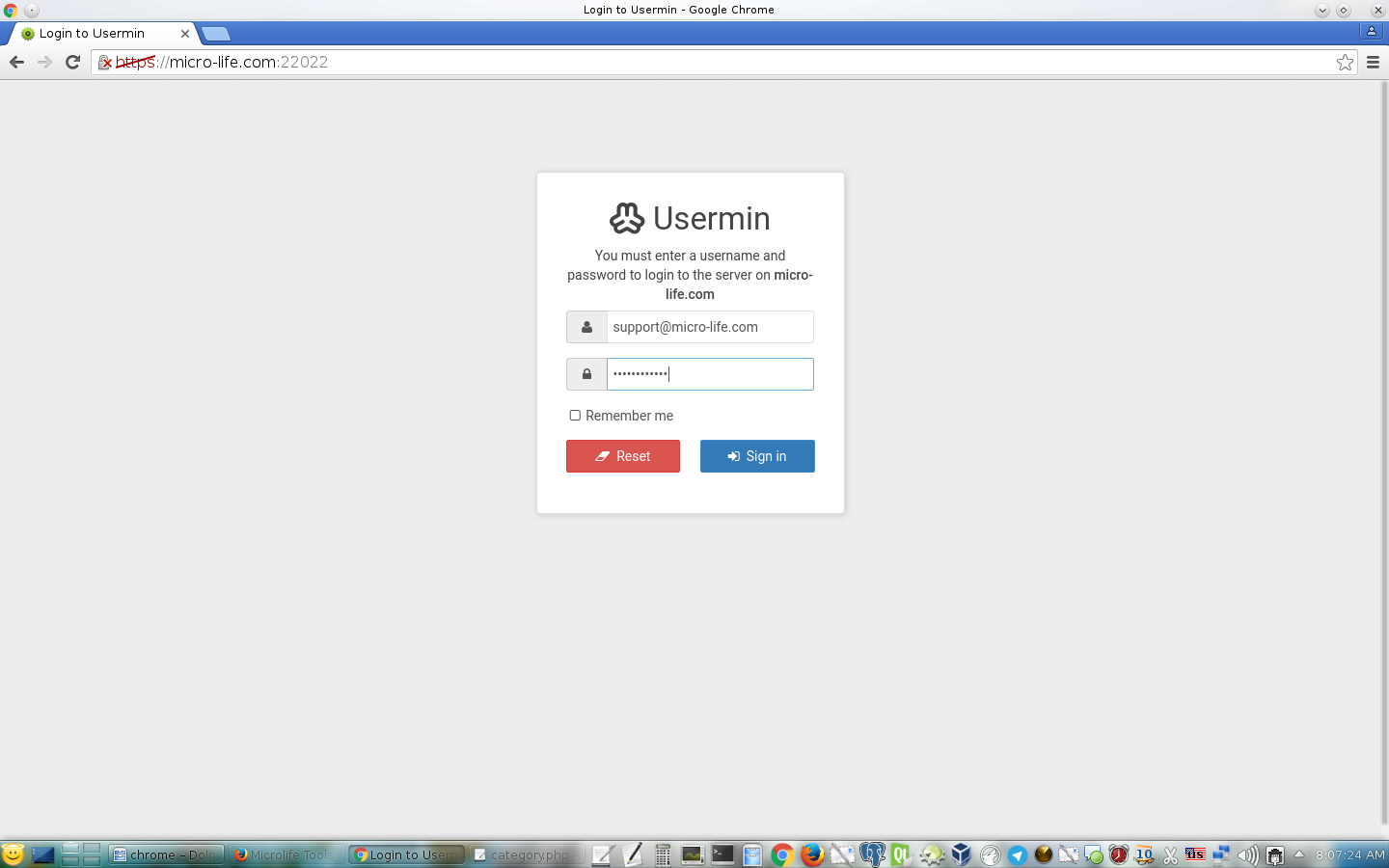
5- Enter your full EMail like support@zia-soft.com and the password in the second field and then click on Sign in.
6- Now, You can use your EMail.
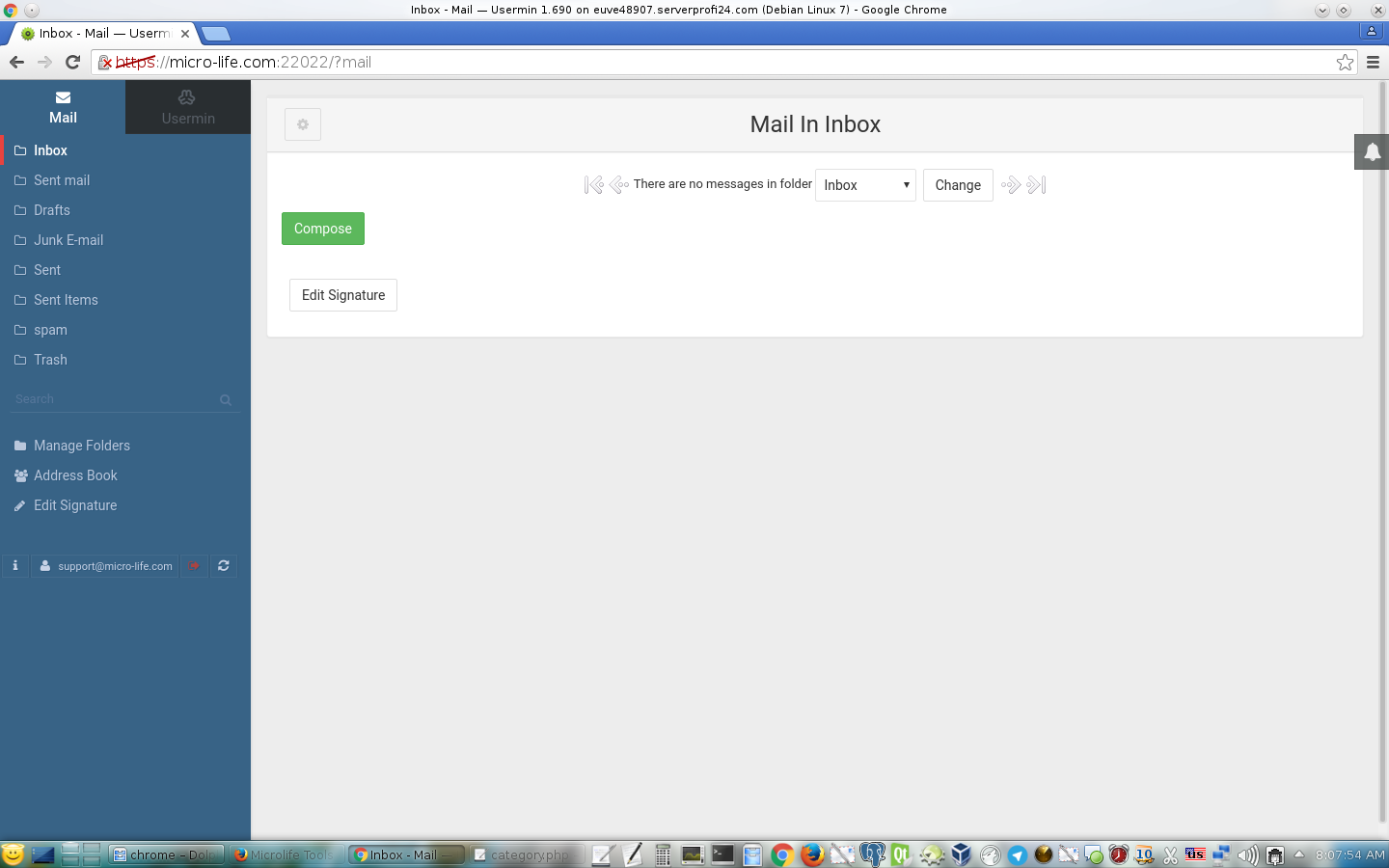
7- Don't forget to log out in the end of your session.